 Stage
StageScan first, review before cleanup
Review estimated cleanable space and file lists. Smart Scan does not delete files.

From Smart Scan to approved automatic cleanup rules. Understand and manage the space on your device.


 Free for personal, business & public use
Understand your storage. Clean with care.
Review estimated cleanable space and file lists. Smart Scan does not delete files.
Set daily, weekly, monthly or low-space conditions. Mobile scheduling follows OS policy.
Safe mode focuses on temporary files, caches and logs. Personal-file rules and permanent deletion require approval.
Review estimated cleanable space and file lists. Smart Scan does not delete files.
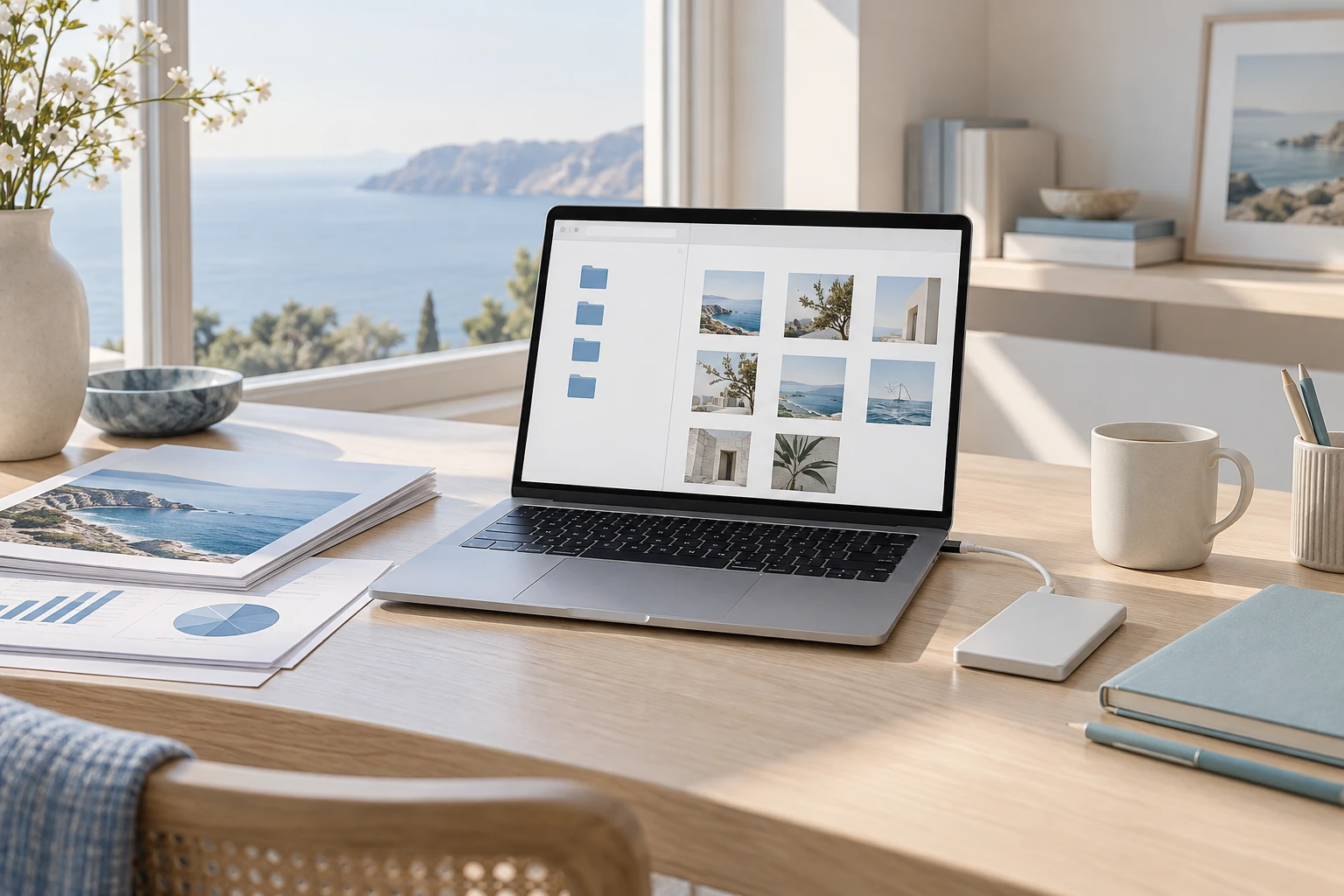
Review estimated cleanable space and file lists. Smart Scan does not delete files.
Set daily, weekly, monthly or low-space conditions. Mobile scheduling follows OS policy.
Features vary by product, operating system and published version.
Set daily, weekly, monthly or low-space conditions. Mobile scheduling follows OS policy.
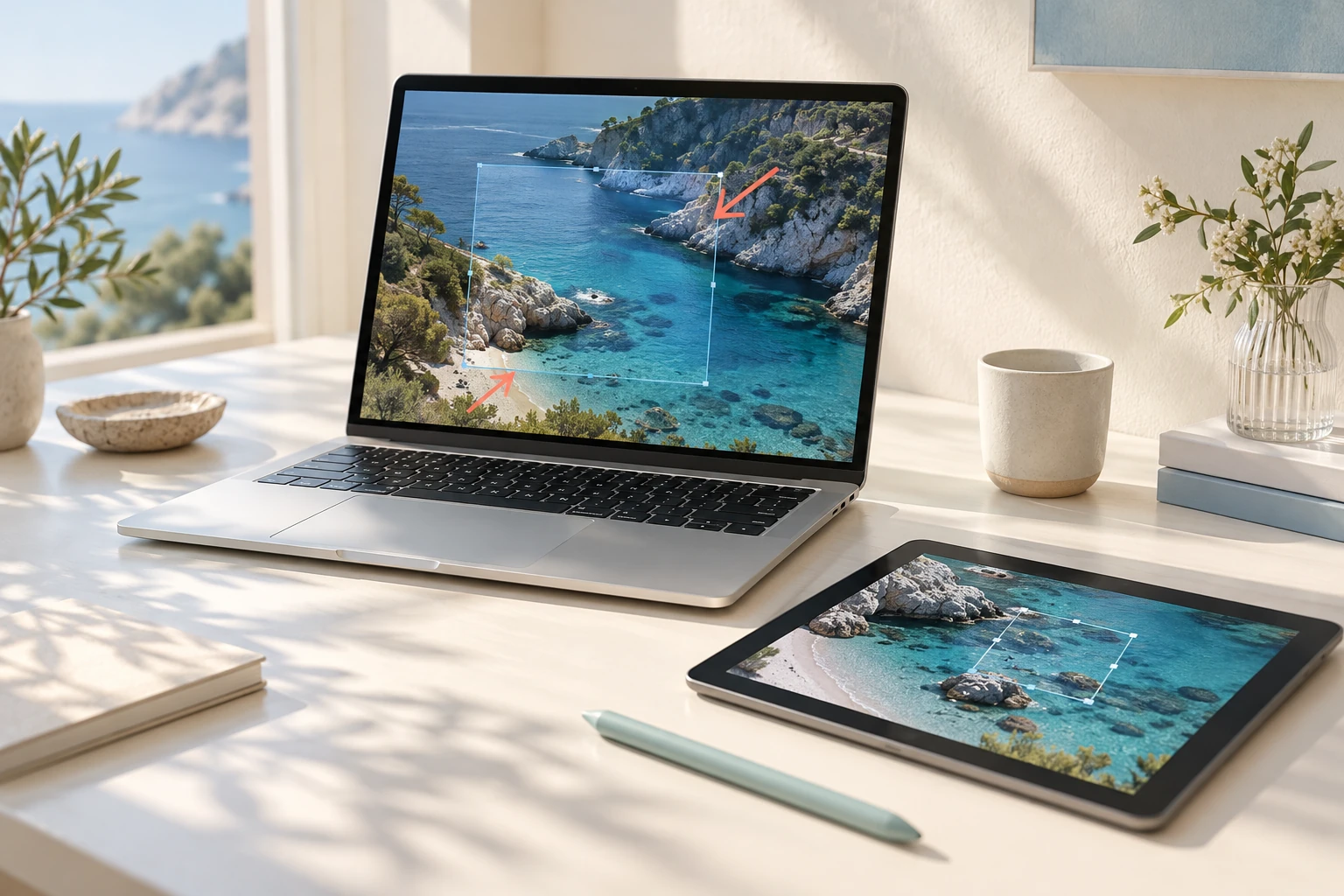
Safe mode focuses on temporary files, caches and logs. Personal-file rules and permanent deletion require approval.
Explore folder sizes in a treemap and review file types and large files to understand storage use.
Features vary by product, operating system and published version.
Safe mode focuses on temporary files, caches and logs. Personal-file rules and permanent deletion require approval.
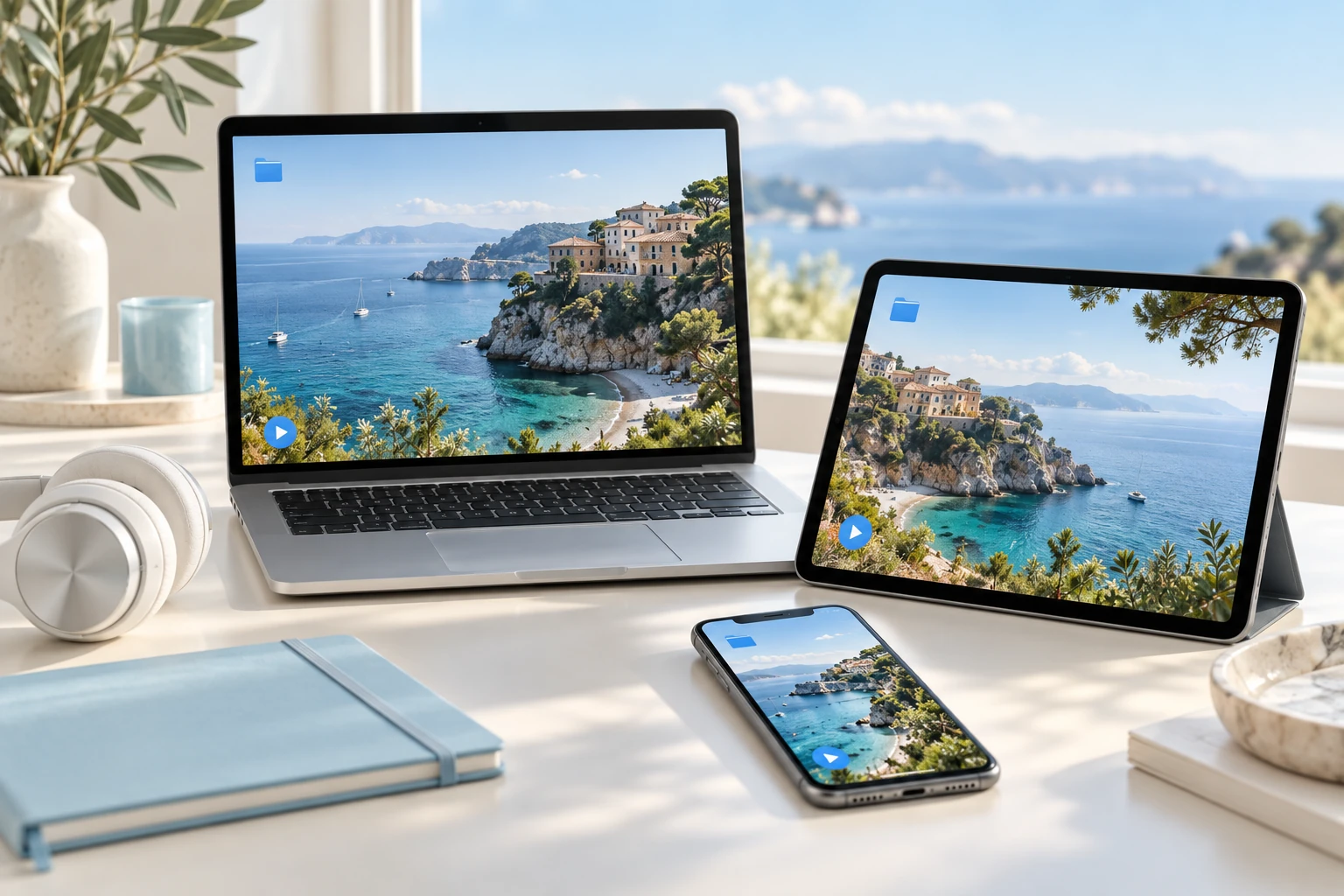
Group duplicates by size and hash while keeping an original. Distinguish estimates from measured reclaimed space.
Review app removal and startup items on supported systems, with cleanup results, exclusions and reclaimed space.
Features vary by product, operating system and published version.
Explore practical tasks, from choosing your starting point to preparing the result.
Use smart scanning and disk analysis to review what occupies space. Inspect cleanup candidates before selecting the items to remove.
Find large or duplicate files and decide what to keep. Review results and clean up only within the scope you approve.
Use automatic cleanup under approved rules and review the cleanup history. Keep track of what changed as you maintain your workspace.
Check storage on the dashboard and review candidates with Smart Scan.
Review exclusions and protected files, then approve rules that handle personal files.
Clean manually or enable Auto Clean, then check history and actual reclaimed space.
macOS · Windows · iOS · Android
Choose the right option for your device.
Checking published installers…
Default Safe mode leaves personal files alone. Personal-file rules need an approved preview.
iOS and Android restrict direct access to other apps’ caches. Cleanup covers permitted locations and the app’s own cache.
No. StageCleaner analyses and cleans on your device without an internet connection.
We’re building Stage as a connected family of apps. From finding files on your PC inside an app to continuing in the right tool, each part is designed to fit the next.
 StageApps
App installation & updates
 StageFiles
File management & sync
 StageCapture
Screen capture
 StageZip
Archive utility
Published installers are coming soon.