 Stage
StageTabs and dual panes
Copy and move between two folders. Use tabs, favourites and recent folders to keep locations close.

Open two folders side by side. Find, preview and organise your files in one native workspace.


 Free for personal, business & public use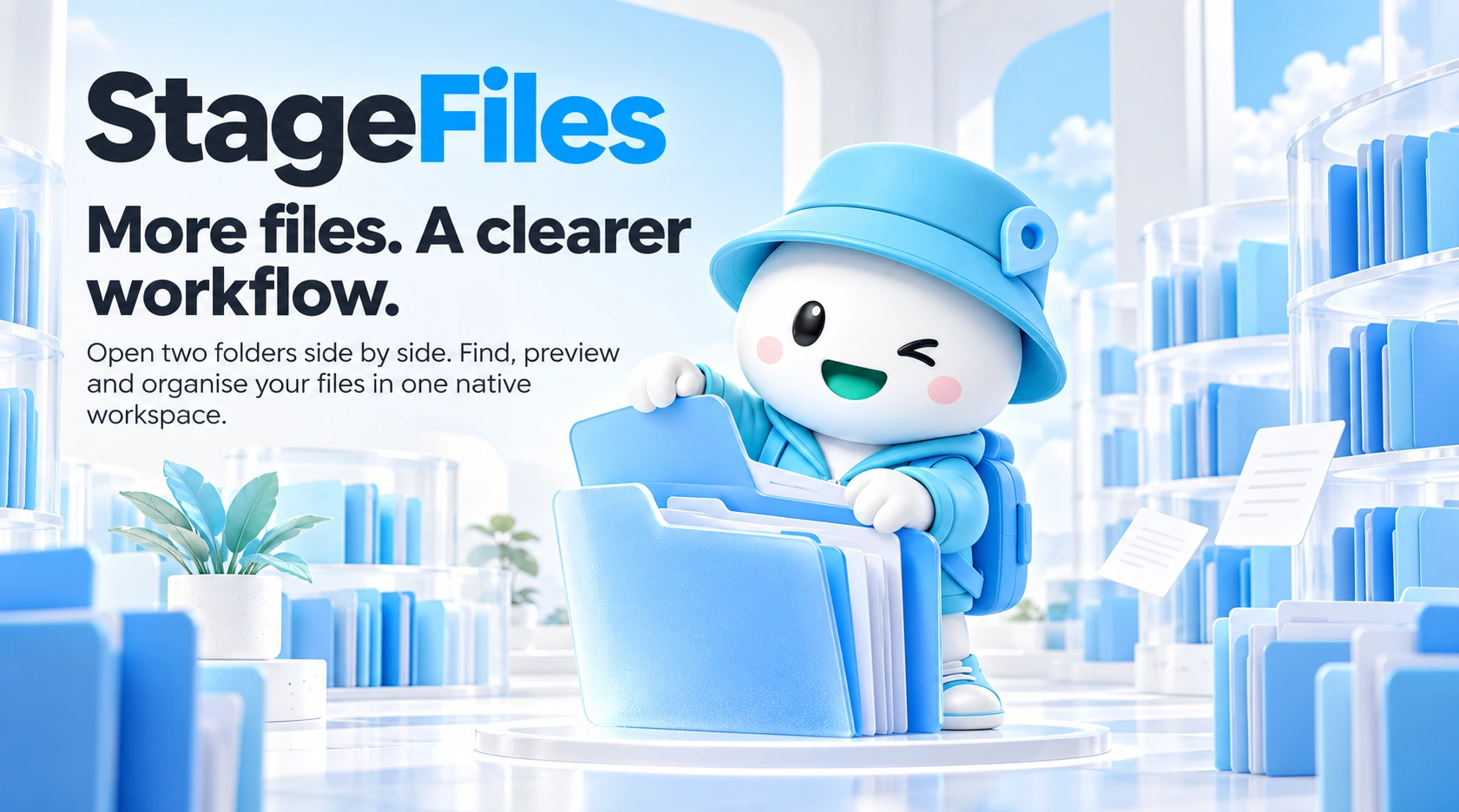
Find, preview and organise.
Copy and move between two folders. Use tabs, favourites and recent folders to keep locations close.
Track progress, cancel or retry from the job queue. Cross-volume moves verify the copy before removing the source.
Combine name, type, size, date and path filters. Save searches and search only locations you can access.
Copy and move between two folders. Use tabs, favourites and recent folders to keep locations close.

Copy and move between two folders. Use tabs, favourites and recent folders to keep locations close.
Track progress, cancel or retry from the job queue. Cross-volume moves verify the copy before removing the source.
Features vary by product, operating system and published version.
Track progress, cancel or retry from the job queue. Cross-volume moves verify the copy before removing the source.
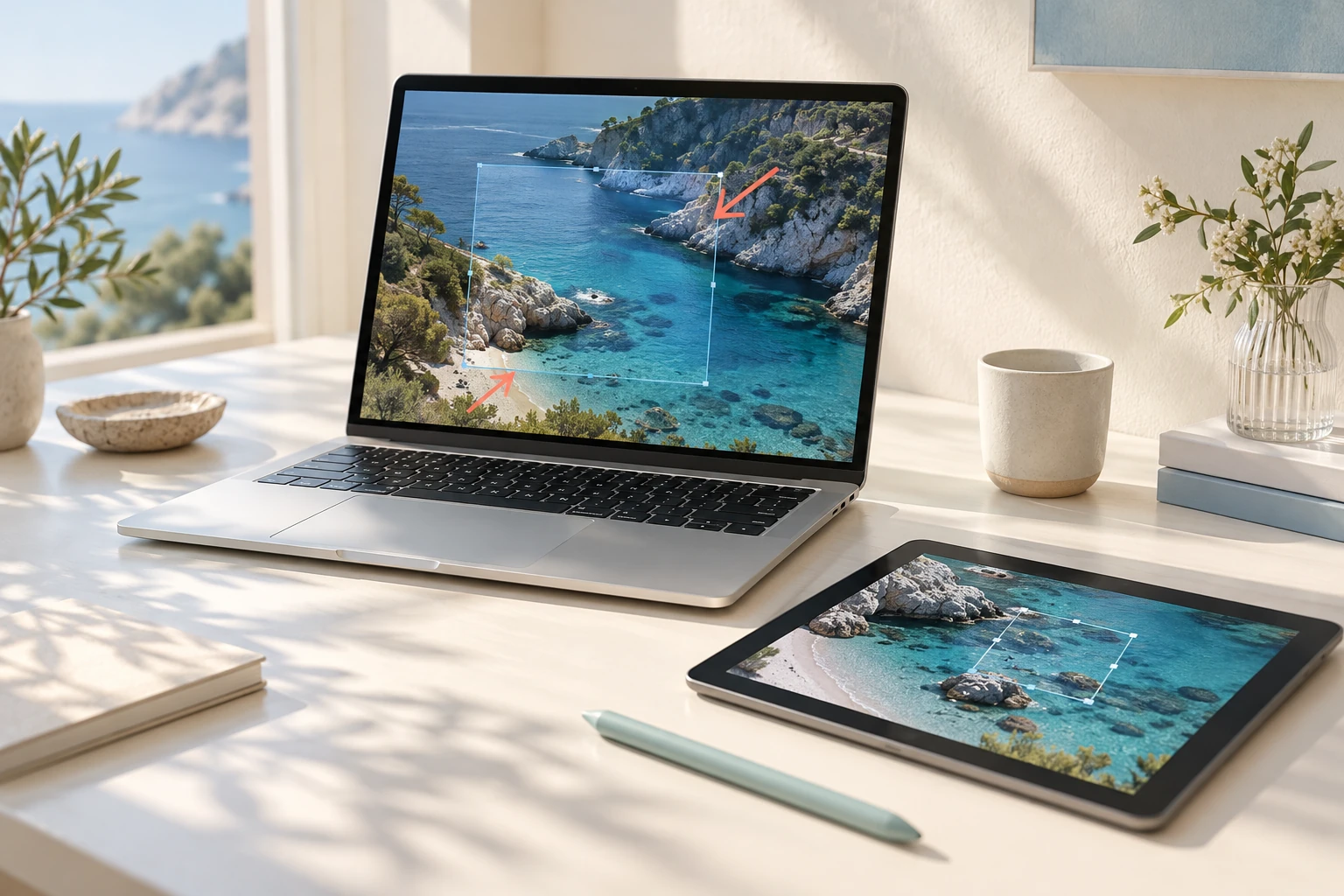
Combine name, type, size, date and path filters. Save searches and search only locations you can access.
Combine replace, numbering, date and extension rules. Preview names and detect conflicts before applying.
Features vary by product, operating system and published version.
Combine name, type, size, date and path filters. Save searches and search only locations you can access.
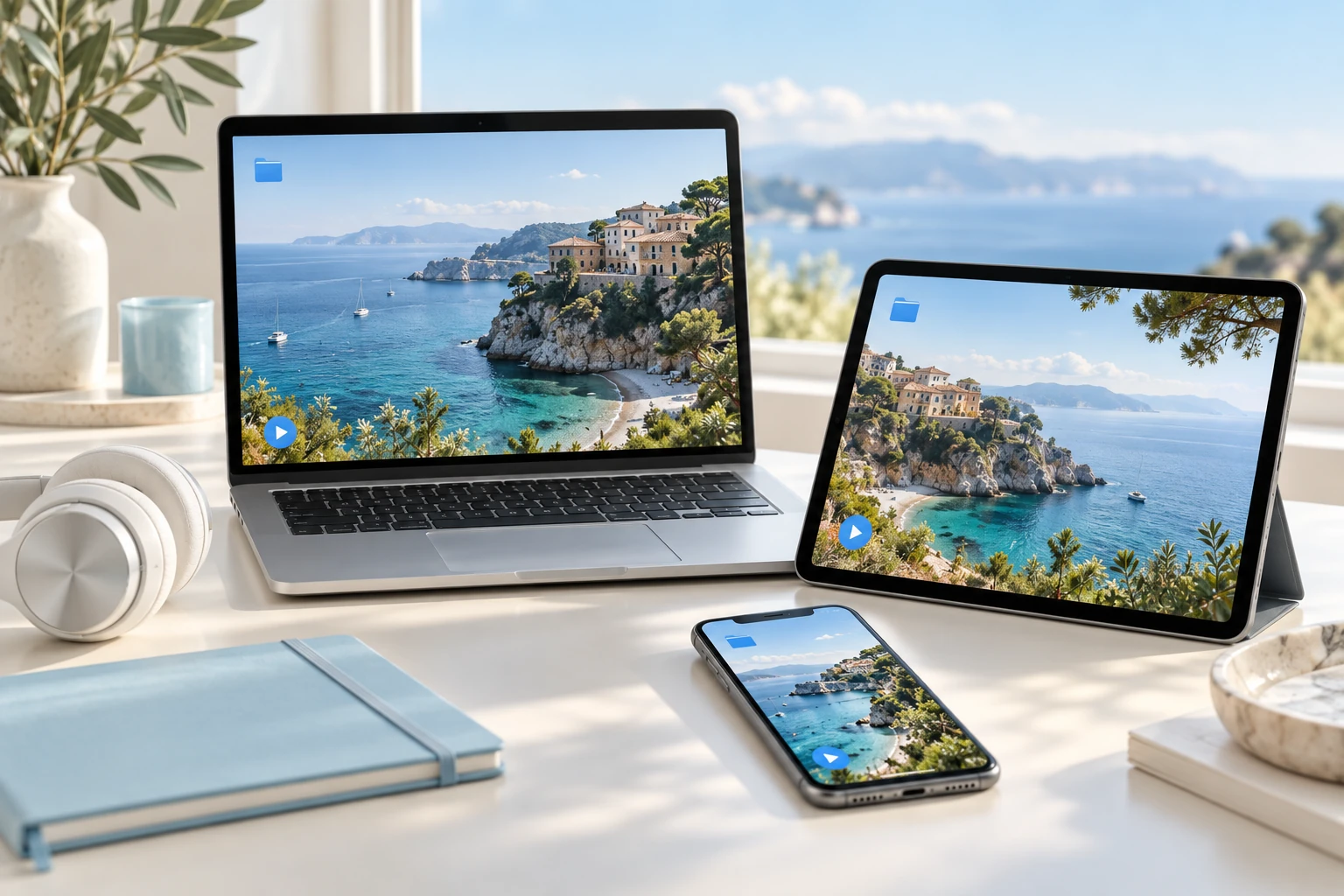
Preview images, video, audio, PDF, text, JSON, CSV and Markdown before opening them.
Review a sync plan before changing folders. Continue with installed Stage apps for opening, archiving, sharing and cleanup.
Features vary by product, operating system and published version.
Explore practical tasks, from choosing your starting point to preparing the result.
Open work locations side by side with tabs and split views, then copy or move files. Use previews to reduce repeated opening and checking.
Narrow a collection with search conditions and inspect the files you need. Batch rename files to prepare consistent names for the next task.
Use folder synchronisation and file-management tools for your workflow. Review the affected files and supported environment before applying changes.
Choose a local drive, external disk or permitted cloud folder. Network connections depend on the OS.
Use filters, previews and dual panes to pick the files you need.
Review file operations, rename previews and sync plans before applying changes.
macOS · Windows · iOS · Android
Choose the right option for your device.
Checking published installers…
No. File management works independently. Actions for installed Stage apps appear when available.
Only OS-permitted, user-selected locations are accessible, following mobile file permissions.
Trash, backup and undo support depend on the OS and operation. Permanent deletion cannot be undone.
We’re building Stage as a connected family of apps. From finding files on your PC inside an app to continuing in the right tool, each part is designed to fit the next.
 StageApps
App installation & updates
 StageCleaner
Smart storage cleanup
 StageCapture
Screen capture
 StageZip
Archive utility
Published installers are coming soon.