 Stage
StageJust share six digits
Choose your files and share a six-digit key. The recipient uses that same key to receive them, without complicated setup.

Share files with a six-digit key, link or QR code. Key transfers support up to 10 GB with 24-hour retention; supported apps also transfer directly to nearby devices.


 Free for personal, business & public use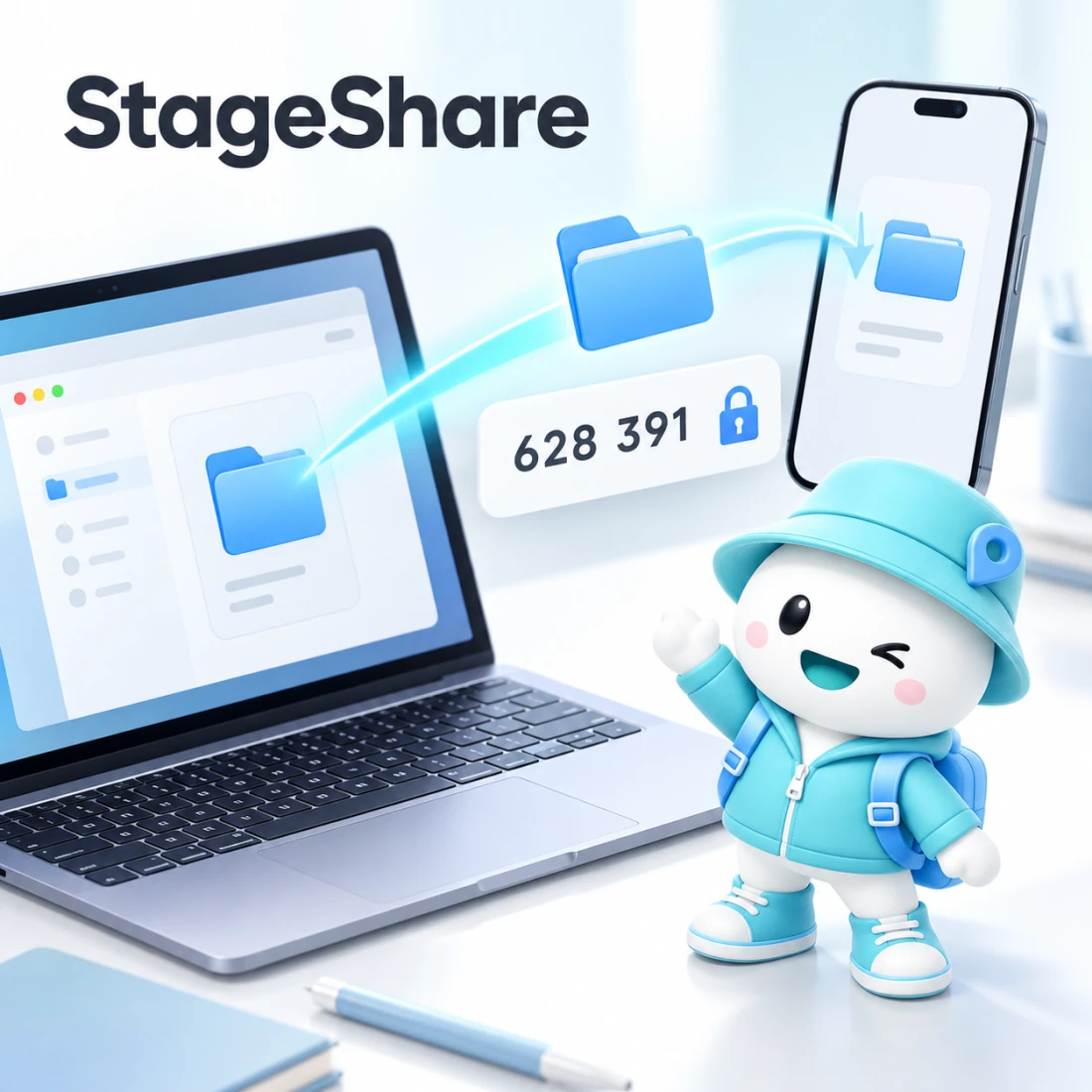
Use a six-digit key instead of an email attachment, or transfer directly between nearby devices. Make moving files between computers, phones and browsers simpler.
Choose your files and share a six-digit key. The recipient uses that same key to receive them, without complicated setup.
Supported apps can transfer directly to nearby devices on the same network. Windows v1 and the web use key transfers.
Every transfer uses end-to-end encryption. You can also send and receive files in your browser with StageShare web.
Choose files and share the displayed key. The receiving device enters the same key to start a simple transfer flow.
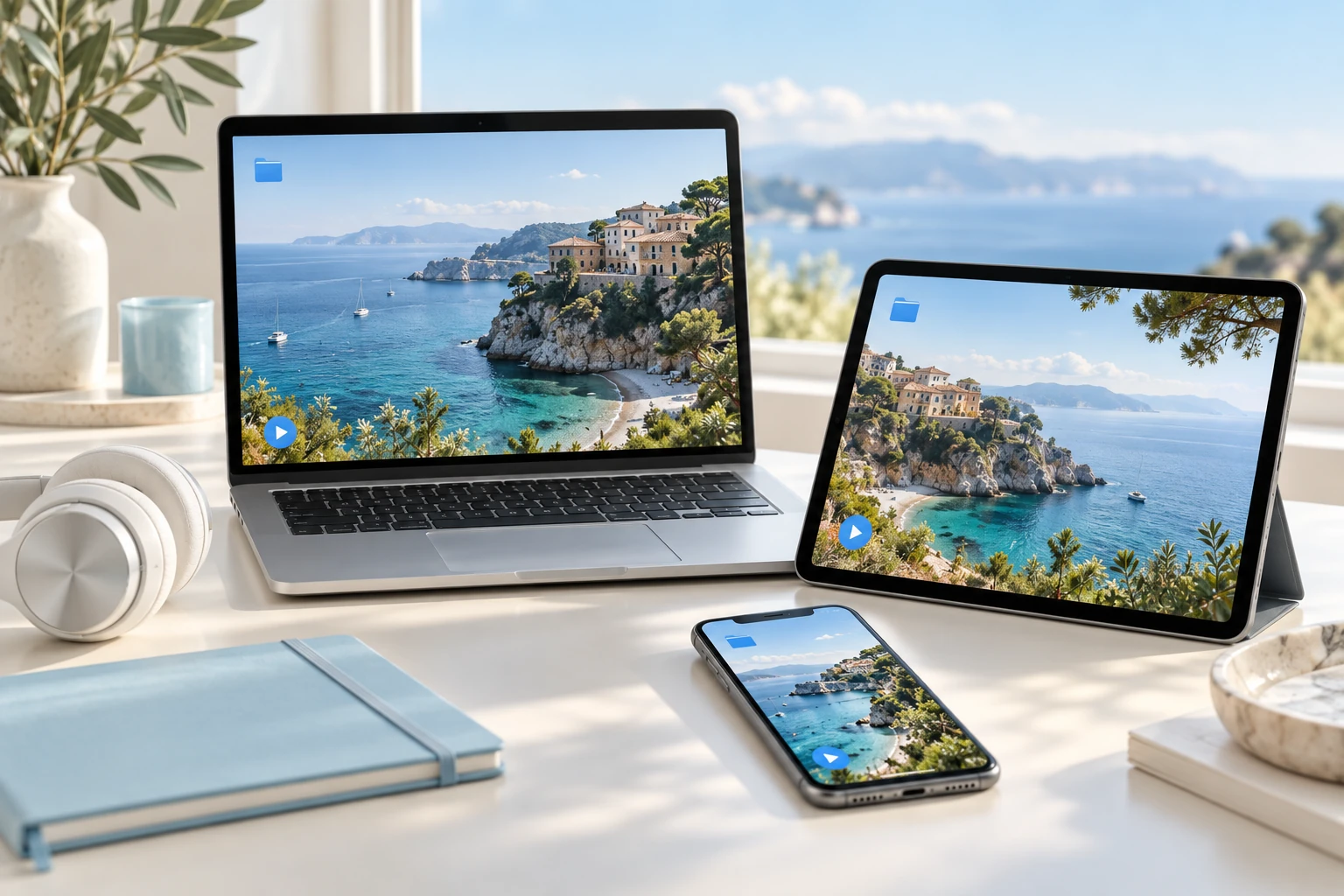
Choose files, folders or photos and review the list and sizes. Start sending or receiving without an account.
Share a six-digit key, receive link or QR code. Phone cameras and supported app scanners reach the same transfer.
The documented key-transfer limit is 10 GB with 24-hour retention. Receiving remains available after upload completes.
Platform differences apply · Windows excludes nearby discovery and history
Connect devices directly on a shared network where supported. Use the available transfer route in other environments, with end-to-end encryption for transferred data.
Encrypt files and lists, with end-to-end encryption for direct nearby transfers. Share keys only with recipients.
Supported apps discover devices on the same network for accepted direct transfers. Windows and web have different scope.
Follow speed, time remaining and completion, and resume interrupted receiving. This differs from automatic upload resumption.
Platform differences apply · Windows excludes nearby discovery and history
Recipients can continue with a key or link on the web without installing the app. Check the browser’s saving method and size limits before transferring.
Start from Mac Finder or Windows Explorer. Supported mobile editions provide photo/file selection and share entry points.
Manage save locations and sent/received history in supported apps. Duplicate names are distinguished and history stays local.
Chrome and Edge save to folders; other browsers download individual files. Some web receiving is limited to 2 GB. Use 16 languages.
Platform differences apply · Windows excludes nearby discovery and history
Explore practical tasks, from choosing your starting point to preparing the result.
Choose files and share a six-digit key, link or QR code. Check the retention period and size limits for key transfers.
Use direct device transfer on supported apps and shared networks. Connection routes and availability are explained separately by platform.
Continue through a key or link in StageShare web. Check browser-specific saving methods and transfer limits.
Prepare your files in the app or on StageShare web.
Send the six-digit key or transfer link to the intended recipient.
Enter the key on the receiving device, choose a save location and check the files.
macOS · Windows · iOS · Android
Speed and available transfer routes depend on the network, firewall and browser.
Key transfers support up to 10 GB and 24-hour retention after upload. Downloads can resume; interrupted uploads do not resume automatically.
Choose the right option for your device.
Checking published installers…
Recipients can use StageShare web. Check saving behaviour and size limits in the browser they use.
A web-transfer flow is available as well as direct local transfers. Connectivity depends on the network and available route.
Share it only with the intended recipient. Avoid posting transfer keys and links publicly.
Connect your work with other devices and people by sending and receiving files.
 StageVPN
VPN
 StageCall
Roaming calls
 StageApps
App installation & updates
 StageFiles
File management & sync