 Stage
StageWatch YouTube for free
Watch freely available videos in the in-app YouTube browser. Browse and search, stay signed in and use automatic Shorts advance.

Watch freely available YouTube videos in the app, then save video or audio and organise your collection on Mac and Windows.


 Free for personal, business & public use
Watch freely available YouTube videos, then keep the video or audio you want to revisit. Browse, play and manage your saved content inside the Mac and Windows app.
Watch freely available videos in the in-app YouTube browser. Browse and search, stay signed in and use automatic Shorts advance.
See active and completed downloads separately. Cancel, retry and open the destination folder from one place.
Manage videos and audio on your desktop. Mobile editions are being prepared separately and offer different features.
Find a video, press play and move on to the next one. Start in StageClip’s YouTube browser and enjoy freely available videos without a separate StageClip viewing subscription.
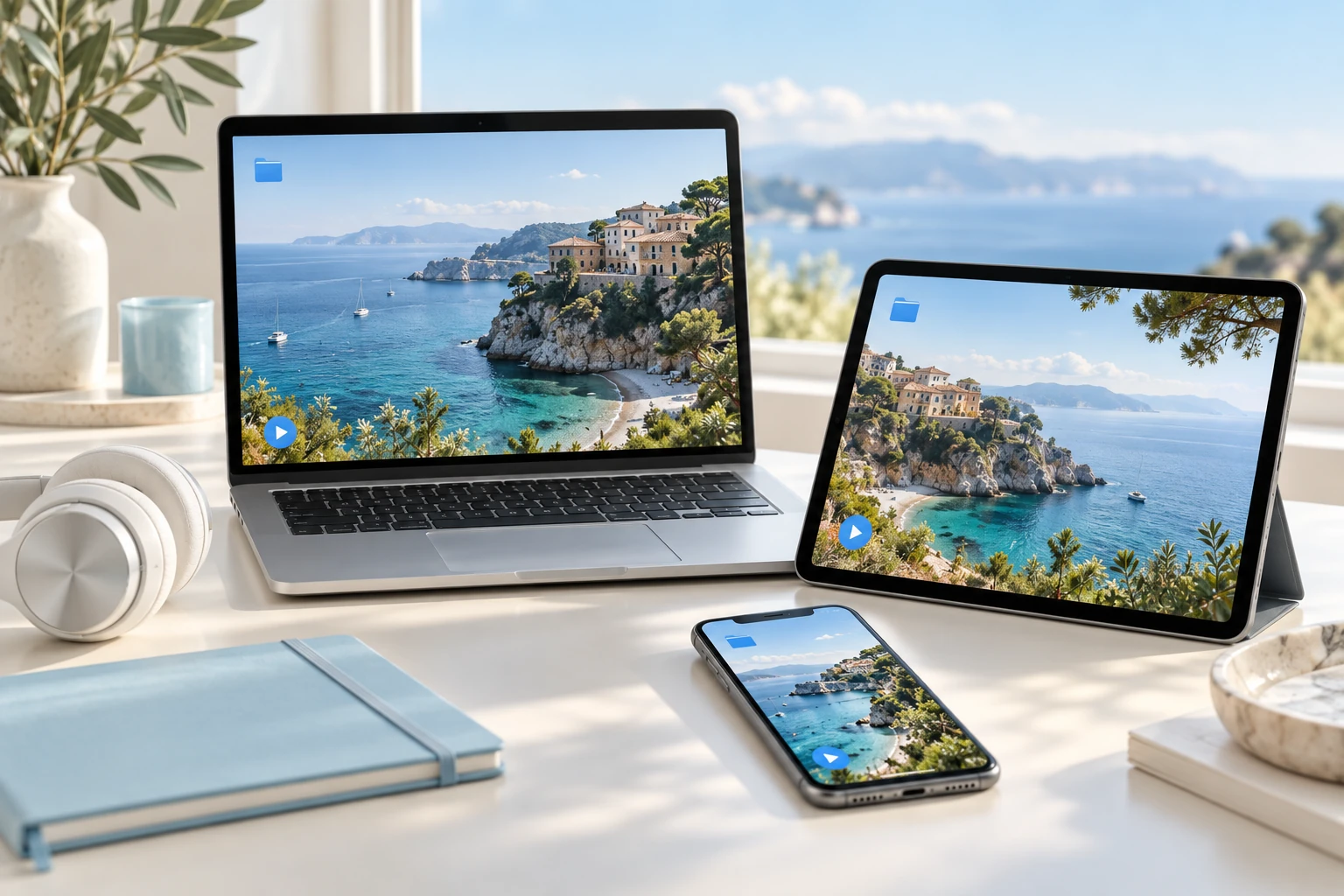
Watch freely available videos in the app, with search, back, forward, refresh, persistent sign-in and sign-out.
Choose automatic Shorts advance and desktop ad-block settings. Behaviour can change with the source service.
Start playback or downloads from a URL, thumbnail action or copied-link popup. You choose whether the popup appears.
Mac and Windows features · Mobile capabilities differ
Paste a link to choose the quality and output format. Select the whole video or the segment you need, then review the estimated size and destination before saving.
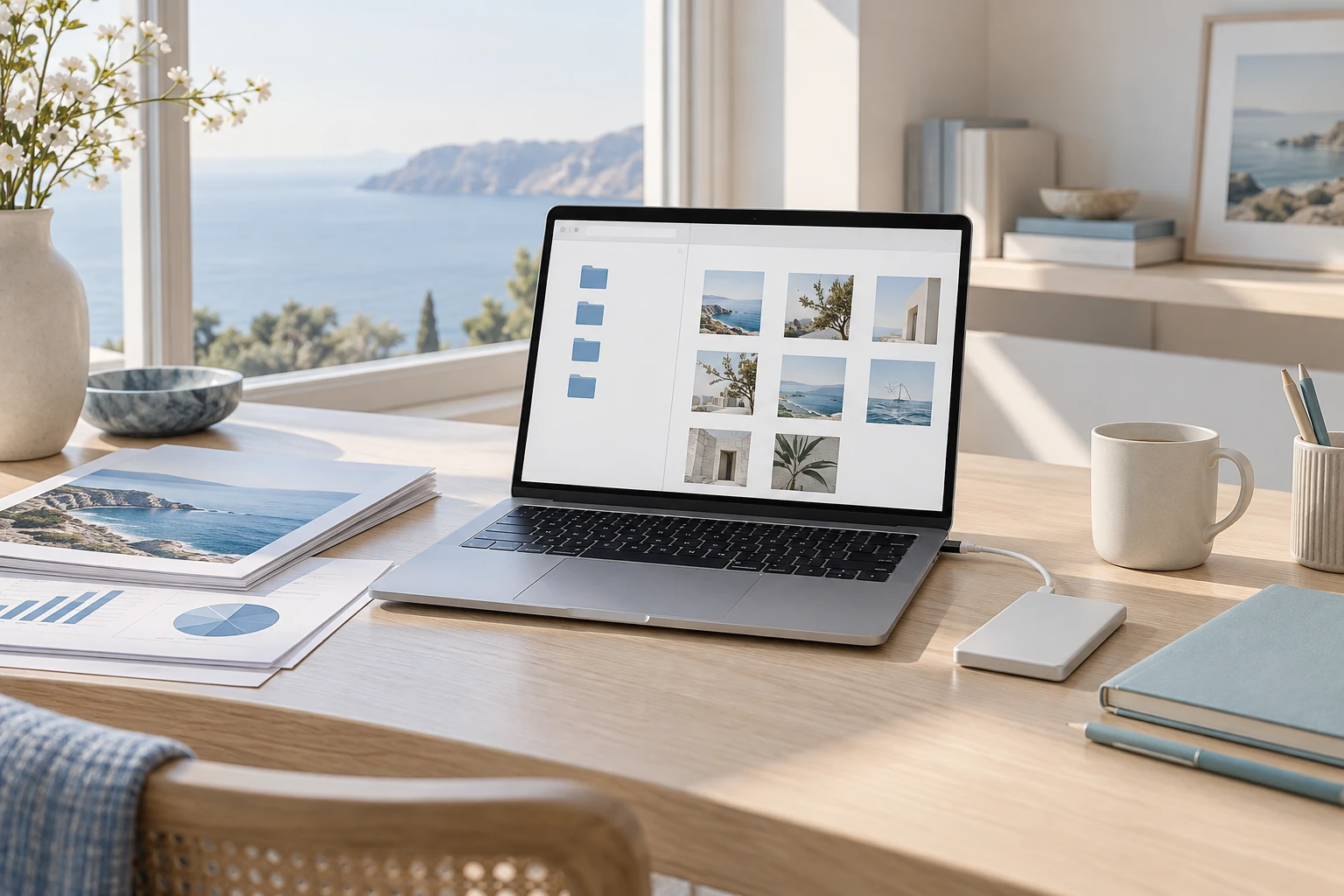
Review supported quality and estimated size before saving. Availability up to 8K depends on the source and environment.
Convert to MP3 or extract M4A without conversion, keeping supported album artwork and metadata.
Save full videos, segments or playlists; manage active and completed items with cancel, retry, folder and trash actions.
Mac and Windows features · Mobile capabilities differ
Separate active downloads from completed files. Play a saved file, open its folder, or keep selected files in Google Drive on Mac.
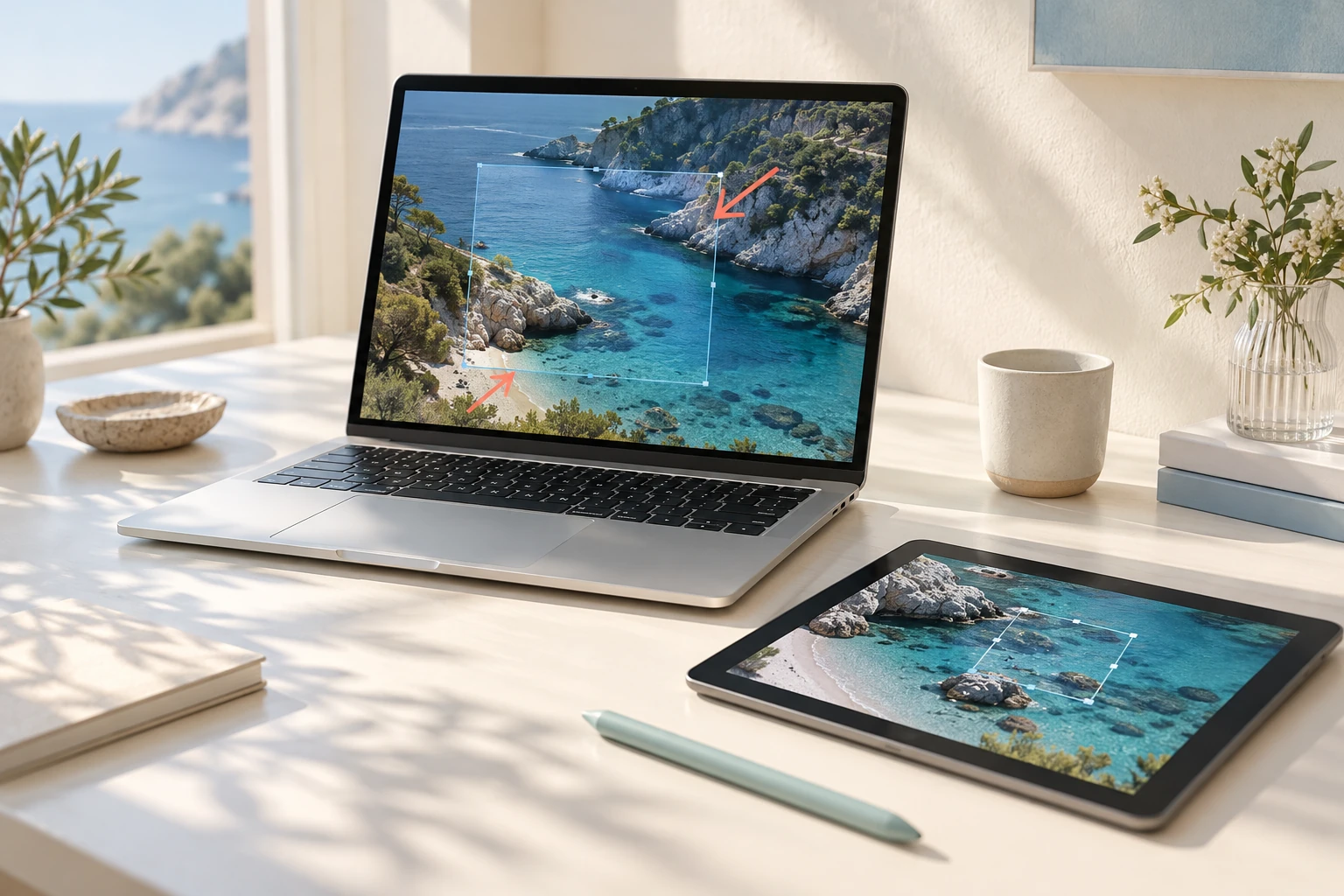
Open saved media with an installed StagePlayer and manage menu-bar, tray and startup preferences.
Connect a Google account to upload individual files or enable automatic Drive uploads on Mac. The choice is yours.
Mobile focuses on official embedded playback with different saving and ad features. Points and redemption follow launch conditions.
Mac and Windows features · Mobile capabilities differ
Explore practical tasks, from choosing your starting point to preparing the result.
Find and watch freely available videos in StageClip’s YouTube browser. Explore the viewing flow and playback options in the detailed features.
Organise authorised content by quality and format after checking service terms. Video and audio saving depends on the source, site and service policy.
Find saved material and continue to your next viewing. Published macOS/Windows versions and planned mobile availability are listed separately.
Paste the URL of content you have permission to save.
Choose video or audio, quality and save location.
Follow active and completed items, then play the file or open its folder.
macOS · Windows
Respect content rights and the source site’s usage conditions.
Availability and conditions for points, ads and exchanges depend on server configuration and separate announcements.
Choose the right option for your device.
Checking published installers…
Yes. Freely available YouTube videos can be watched in the app without a separate StageClip viewing subscription. Paid, members-only, age-restricted or region-restricted content follows the original service’s access conditions.
No. Mobile is being prepared separately and differs from desktop downloading.
It depends on source quality and site support. Check the choices shown before saving.
Provider changes can cause failures. Check the downloader update option and error details, then contact support if needed.
Build your media collection by saving video and audio and managing downloads.
 StagePlayer
Media player
 StageSee
Photo viewer
 StageApps
App installation & updates
 StageFiles
File management & sync