 Stage
StageOpen a folder. Find your moment.
Scan a folder with thumbnails and move quickly between your photos, including RAW images.

Browse folders as thumbnails and flip through photos fast. Crop, adjust, mosaic, batch-convert — RAW included.


 Free for personal, business & public use
Browse a folder, pick the right photos, make everyday edits and export a batch. Keep viewing and organising images in the same app.
Scan a folder with thumbnails and move quickly between your photos, including RAW images.
Crop, adjust and apply mosaic right in the viewer across Mac, Windows, Android and iOS. Edit comfortably on the device you use.
Batch-convert your photos together. Spend less time repeating format changes and more time enjoying your images.
Scan thumbnails and move through photos to find the frame you need. Sort your favourite shots and prepare the collection for your next edit.
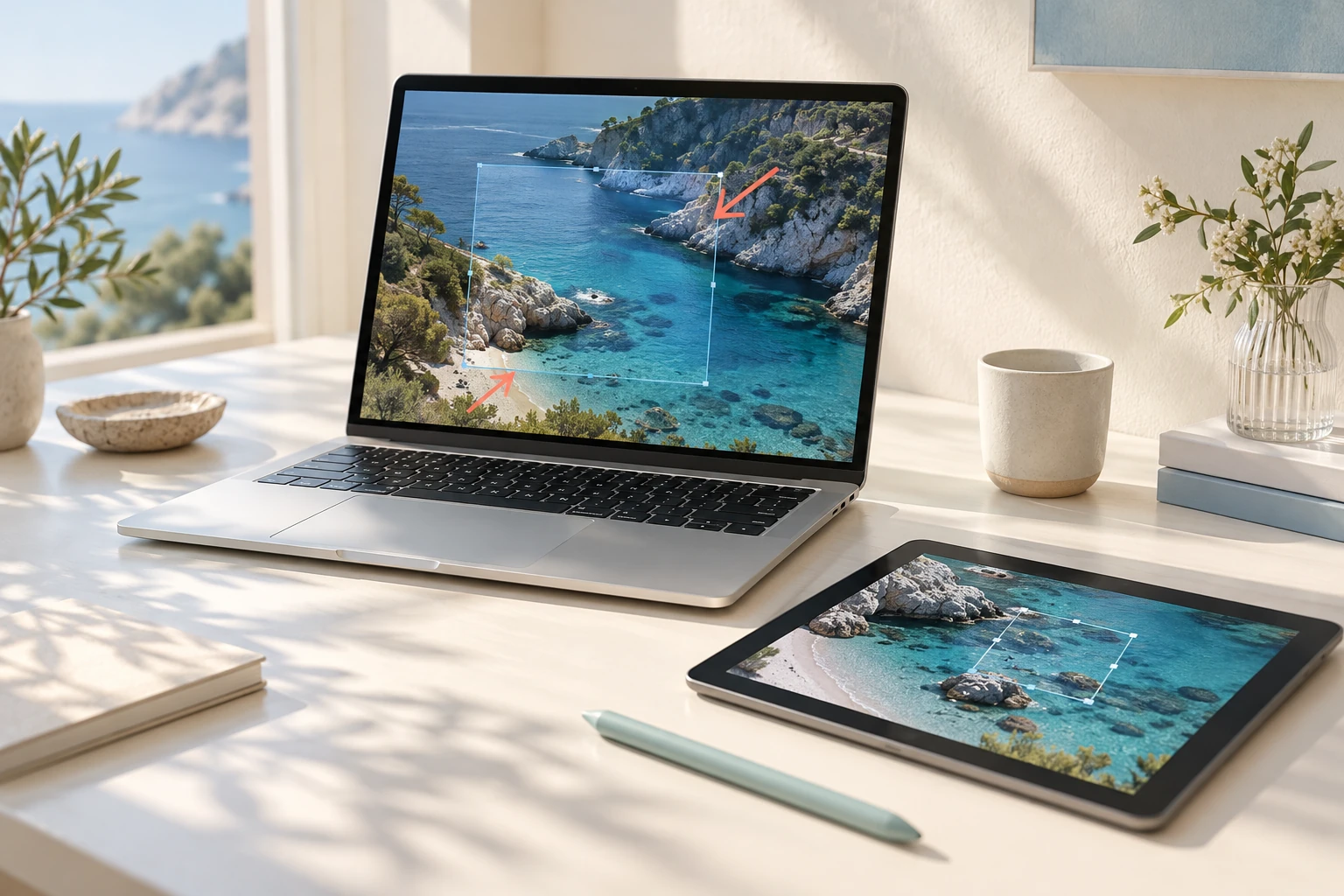
Find images with thumbnails, folder trees and name search. Copy, move, trash or batch-rename your files.
Choose single, continuous, double or quad views, full screen and slideshow, with convenient zoom and rotation.
Open RAW photos, many image formats and supported PDF, AI or SVG files, plus archived and animated images.
Mac · Windows · Android · iOS — Adjust and edit across platforms
Crop the composition, adjust the photo or add mosaic to an area you want to conceal. Use batch conversion to organise output formats across a group of pictures.
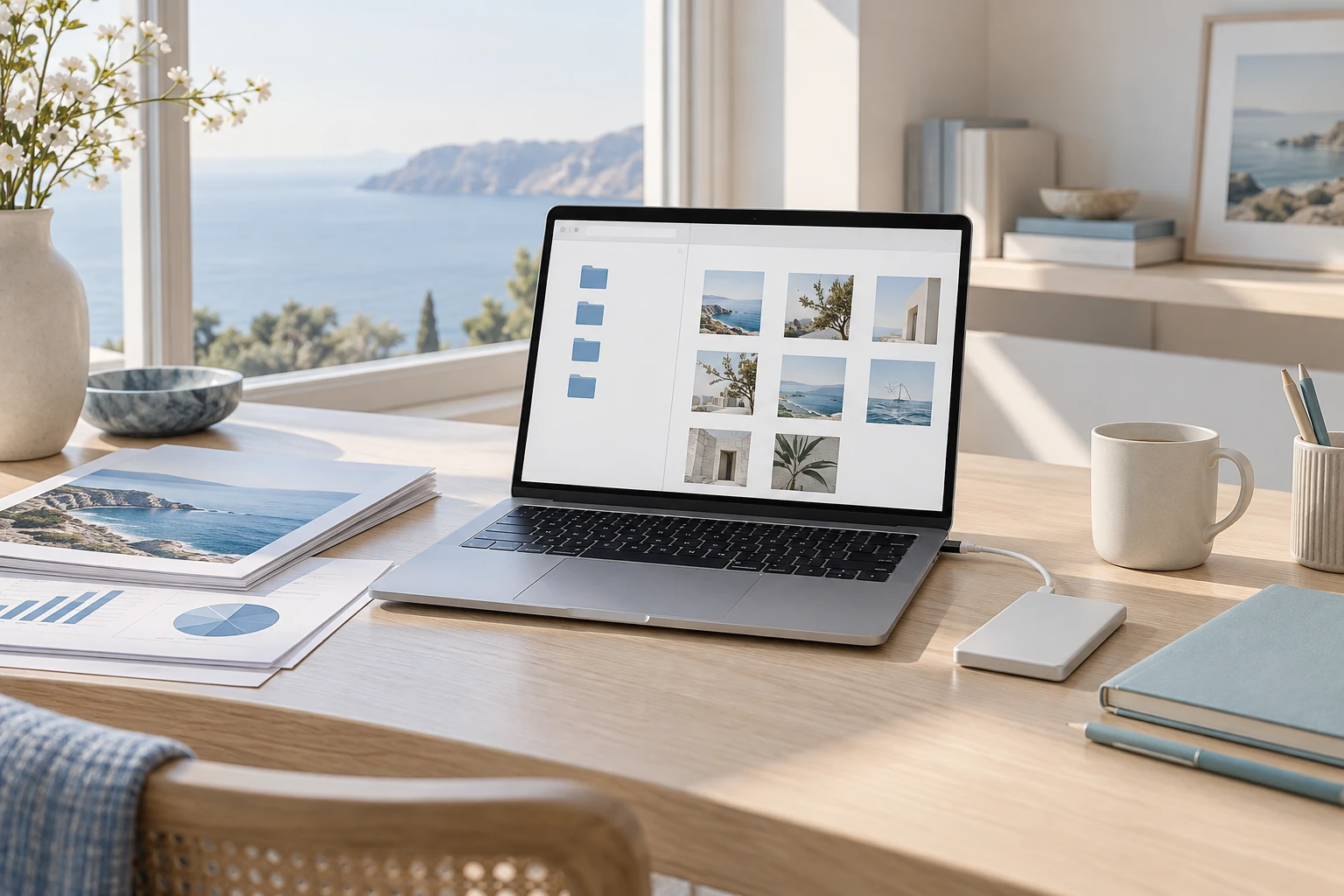
Rotate, flip and straighten; adjust exposure, brightness, contrast and warmth; add effects, borders, mosaic or resize.
Use automatic correction, background removal, face mosaic and text extraction, including Korean, on Mac, Windows, Android and iOS.
Rotate JPEG, HEIC, PNG and TIFF by changing orientation metadata. Undo edits or save in another format.
Mac · Windows · Android · iOS — Adjust and edit across platforms
Check support for regular images, camera files and pictures inside archives. Turn the photos you select into material for your next project.
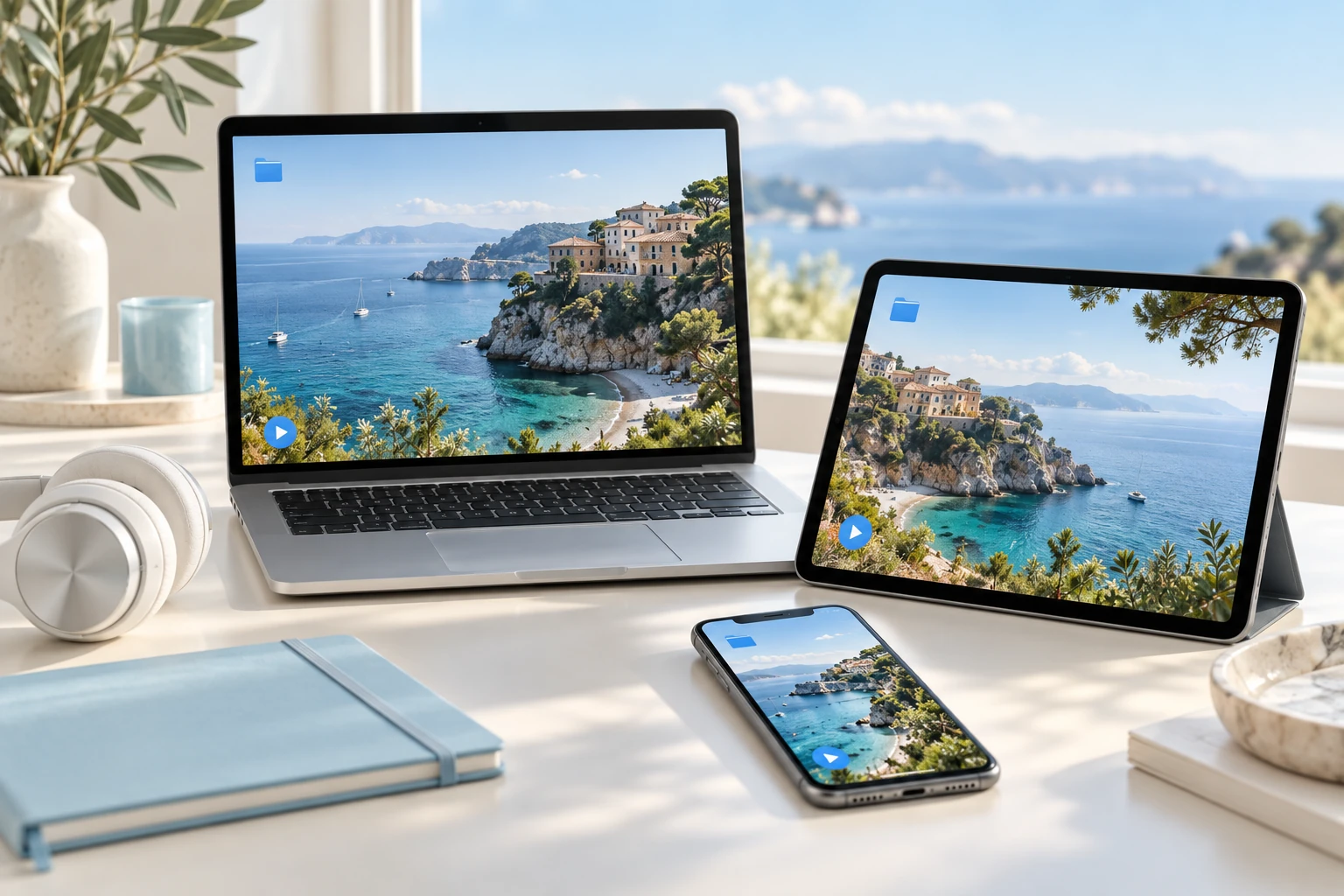
Batch-change format, size, ratio, adjustments and names, with watermarks, metadata, saved presets and previews.
Combine images vertically, horizontally or in a grid, and turn selected photos into PDF documents or animated GIFs.
Review camera details, GPS and histograms, and hand photos or videos off to another device on the same Stage account.
Mac · Windows · Android · iOS — Adjust and edit across platforms
Explore practical tasks, from choosing your starting point to preparing the result.
Browse thumbnails and move through a folder to find the frame you need. Review photos using the supported file types and viewing modes.
Use cropping, rotation, resizing, colour adjustment and mosaic. Check the editing environment provided on macOS, Windows, Android and iOS.
Use batch conversion, naming tools and supported outputs such as PDF or GIF. Detailed features explain export formats and conditions.
These are actual macOS app captures. Layouts and available features may differ on other platforms.
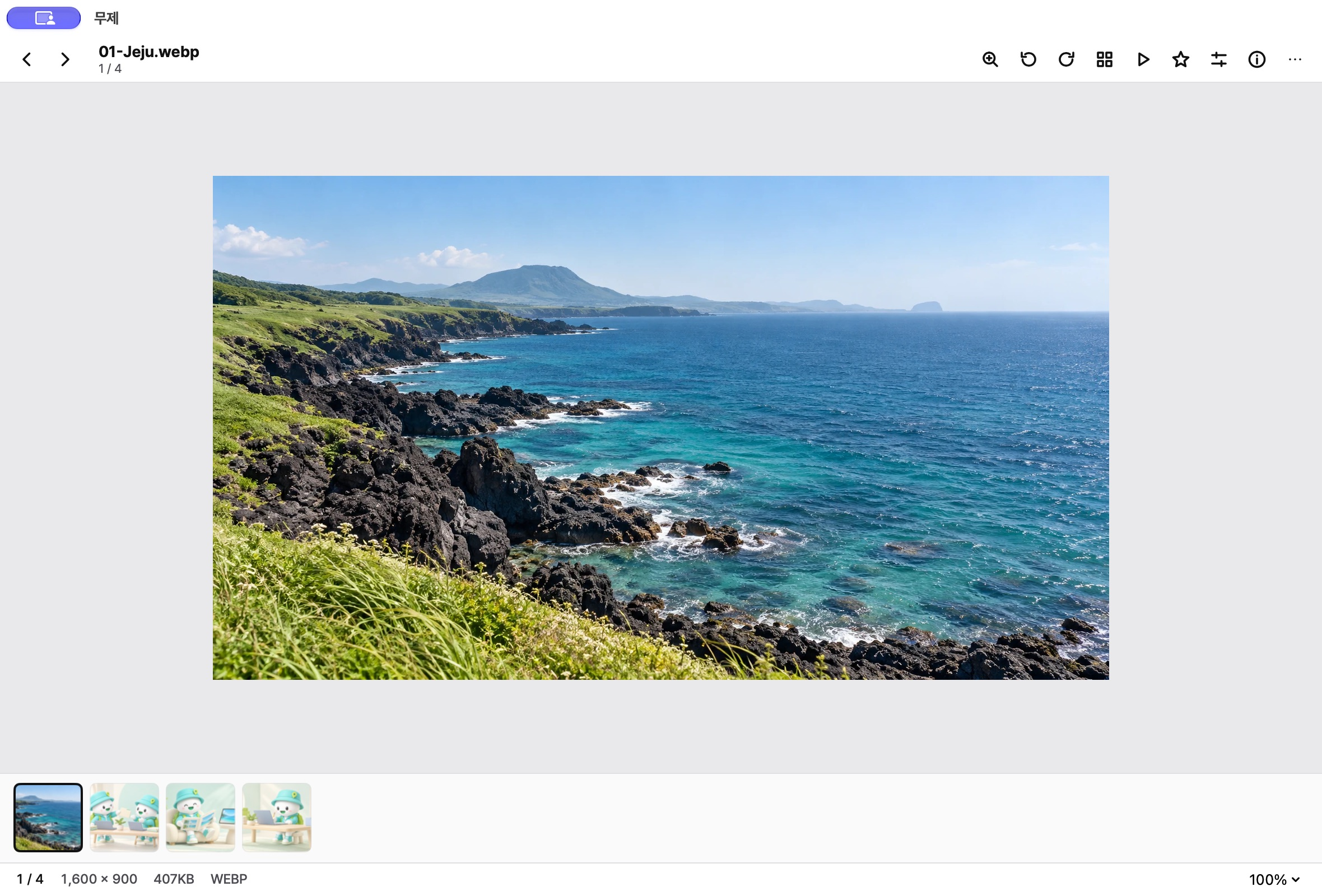
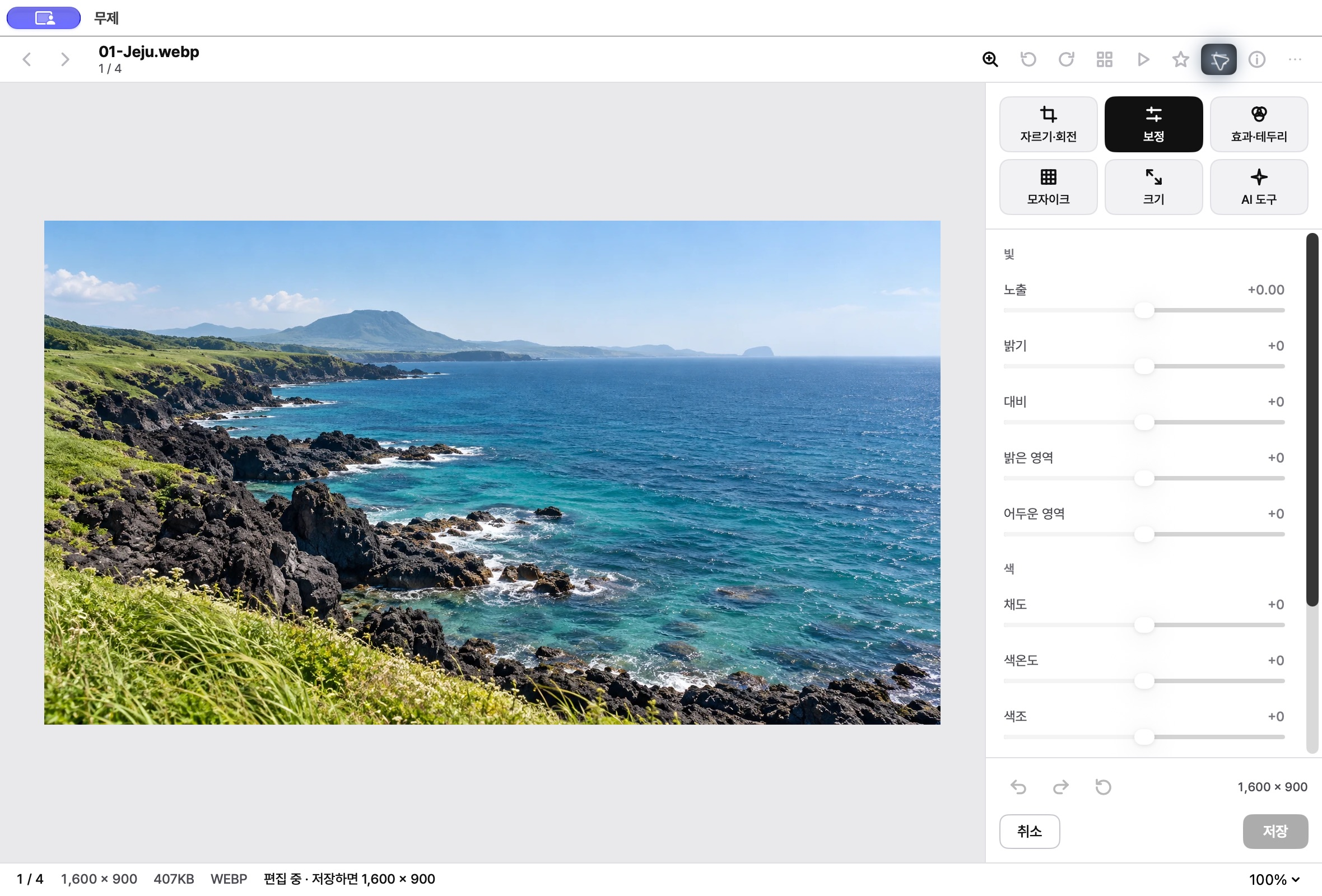
Open your photo folder and choose a scene from its thumbnails.
Organise with ratings and labels, then crop or adjust the images you need.
Batch-convert selected images, or create a PDF, GIF or combined picture.
macOS
Photo adjustments, editing and AI tools are available across Mac, Windows, Android and iOS. Check Downloads for published installers and release status.
Decoding, editing and export support can differ between formats.
Choose the right option for your device.
Checking published installers…
Supported camera RAW files can be opened. Availability depends on camera model and operating-system decoders.
Yes. Batch conversion combines format, size, name and other editing options.
Use Make to combine images or create a PDF or animated GIF.
Browse, edit and convert photos to prepare your images for the next step.
 StagePlayer
Media player
 StageClip
Free YouTube viewing & downloads
 StageApps
App installation & updates
 StageFiles
File management & sync