 Stage
No drawing skills needed
Just describe what you want in your own words and AI draws a draft for you.

From a small shop’s new menu to a neighbourhood event or a child’s birthday invitation. Describe what you want in your own words, AI draws a draft, and you refine the text and colours on screen to finish real promotional material. Your first image is free without signing in.
 Start in your browser
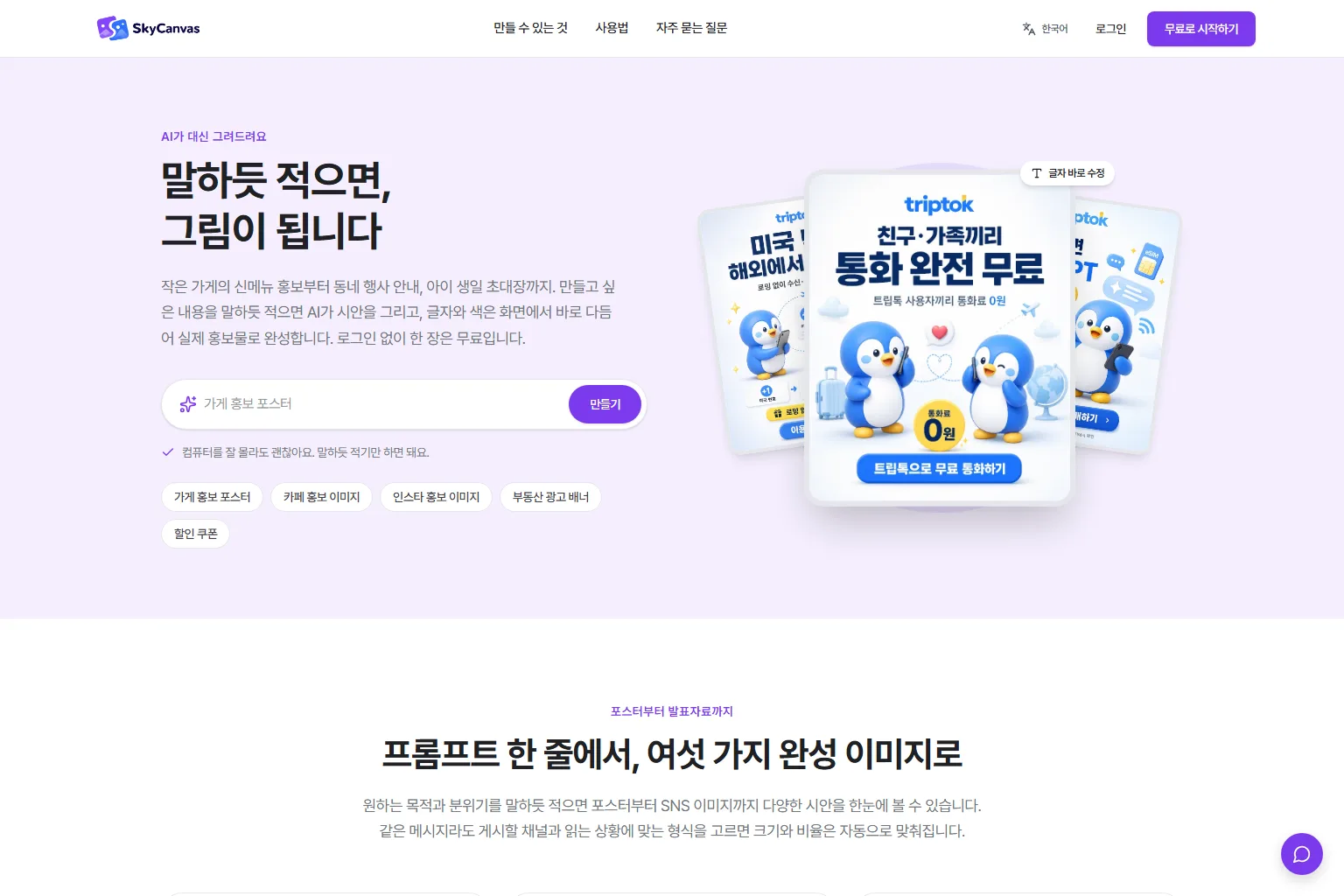
From a single prompt to six kinds of finished images.
Just describe what you want in your own words and AI draws a draft for you.
Start posters, presentations, card news, banners, flyers and social images from one request.
Choose the format for where and how it will be seen, and the size and ratio are set automatically.
Just describe what you want in your own words and AI draws a draft for you.
Just describe what you want in your own words and AI draws a draft for you.
Start posters, presentations, card news, banners, flyers and social images from one request.
Features vary by product, operating system and published version.
Choose the format for where and how it will be seen, and the size and ratio are set automatically.
Choose the format for where and how it will be seen, and the size and ratio are set automatically.
Fix the text, colours and sizes of the AI draft right on screen until it looks the way you want.
Features vary by product, operating system and published version.
Images you make with SkyCanvas belong to you. Check SkyCanvas for the detailed terms of use.
Images you make with SkyCanvas belong to you. Check SkyCanvas for the detailed terms of use.
Go from draft to refinement to printed promotional material in one place.
Features vary by product, operating system and published version.
Explore practical tasks, from choosing your starting point to preparing the result.
Describe the poster you need, such as a new menu item for a small shop. AI drafts it, and you can adjust the text and colours right on screen.
Start a flyer, banner or social image for an event from a single request. Pick the format for your channel and the size and ratio are set automatically.
No drawing skills needed: just describe the mood you want. Your first image is free without signing in, and signing in gives you free credits.
Describe what you want to make, such as a poster for your shop, in your own words.
AI draws a draft that matches your request while you wait a moment.
Refine the text and colours on screen to finish your promotional material.
Web
You can make one image for free without signing in. Signing in gives you free credits.
Anyone who needs promotional material: shops and small businesses, brand and marketing teams, schools, groups and individuals.
No. SkyCanvas accounts and credits are run by the SkyCanvas service and are not automatically combined with Stage points.
 StageSee
Photo viewer
 StagePlayer
Media player
 StageClip
Free YouTube viewing & downloads
 StageApps
App installation & updates